Stuttgart, in front of institute français
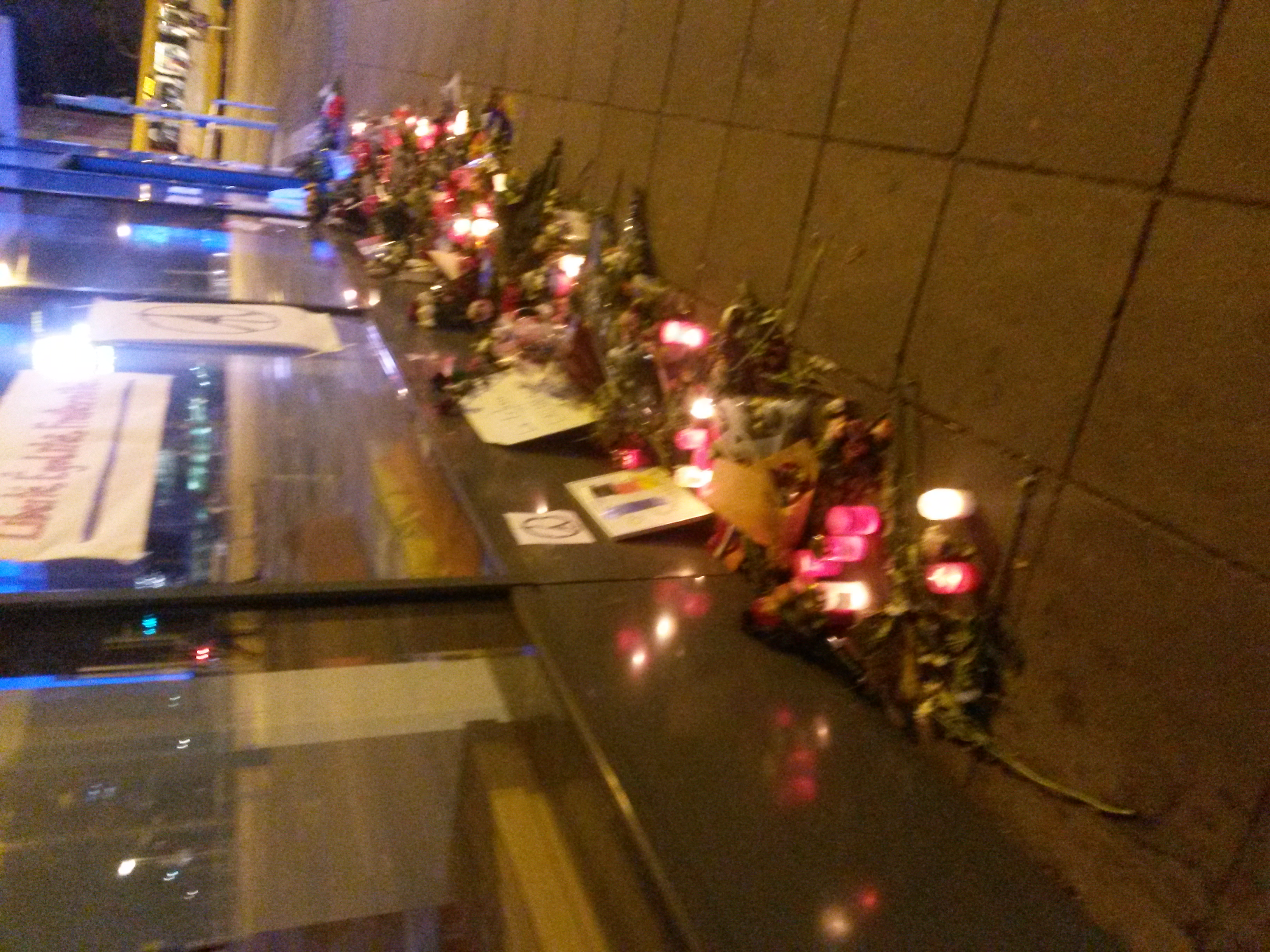
Stuttgart, in front of institute français
Today is my first day back at work.
4 weeks of parenting time are over.
It was quite the vacation, I miss it already.
Sleep until 7 a.m.
going shopping around 11..
Lots of naps.
And during the night just some diaper changes.
Not to bad.
I could go on with it.
But I have to work.
wow there, only 1/2 a day!
I don’t want to get to exhausted during the next 2 months;)
What did I accomplish in the laast weeks?
Finished first season of Blacklist, sadly didn’t read any books.
But played the shit out of EU4 again
:)))
I am not 100% sure, how happy I should be with that present from Kazonga:
This is my first diagram design for a mini quadcopter:

Based on
Arduino,
4 cheap _brushed_ engines,
GY – 521 as accelerometer and gyro,
IR for remote control
I have no idea, if this works.
Waiting for all the parts to be delivered:)
After they arrive, I will assemble it and start coding the software for it to fly.
My LCD Display arrived today.
And it works.
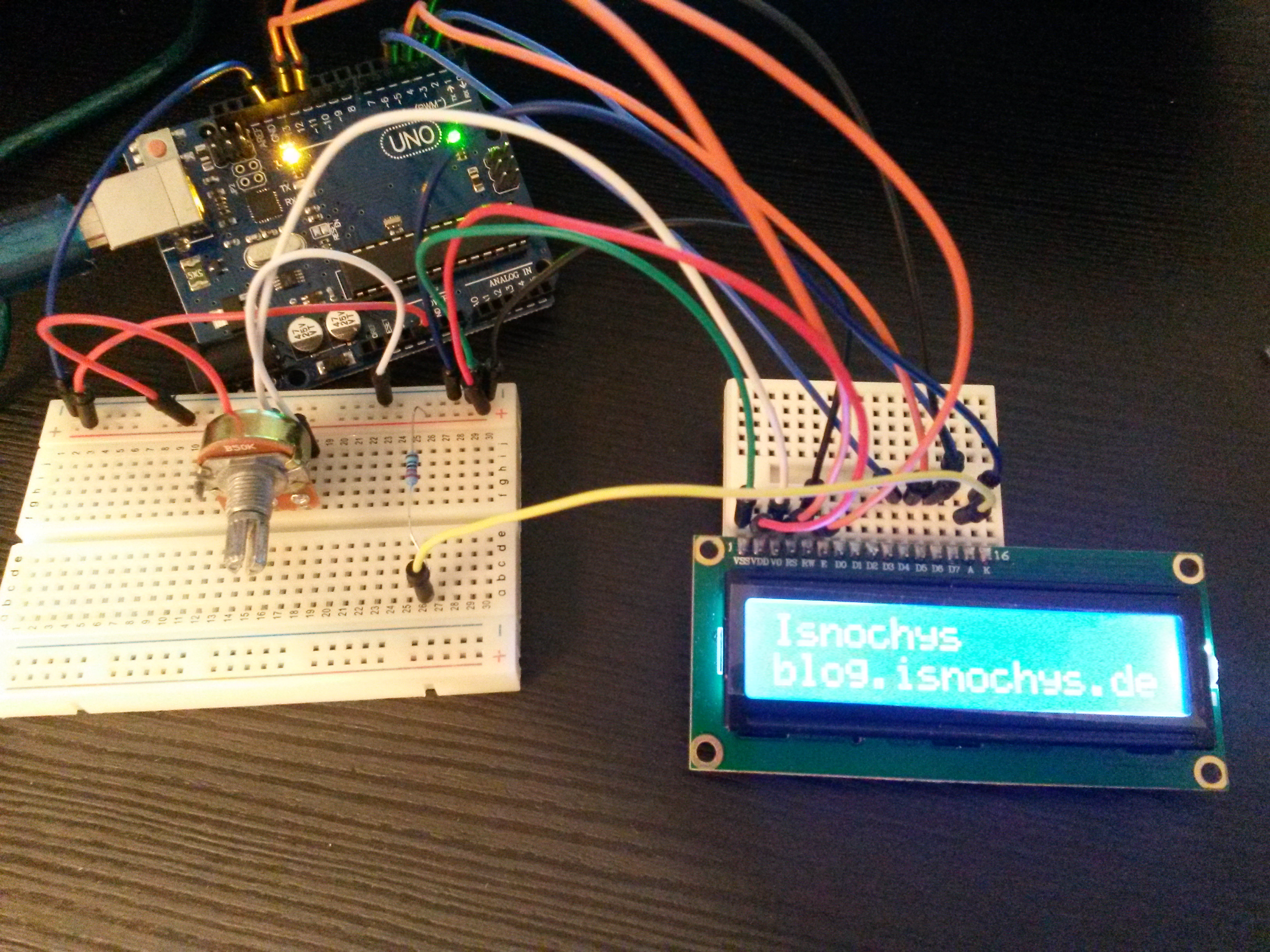
Yeah
:))))
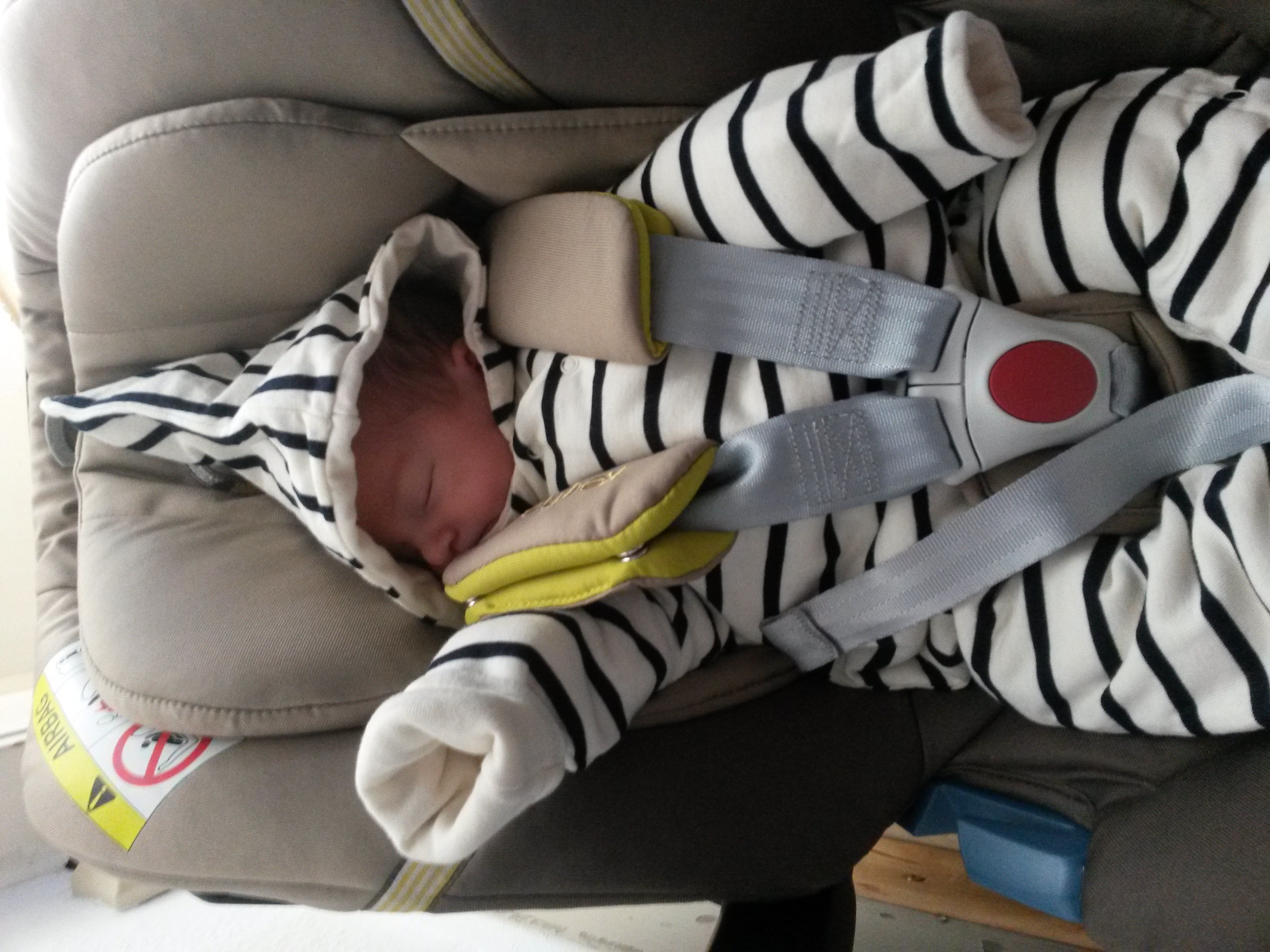
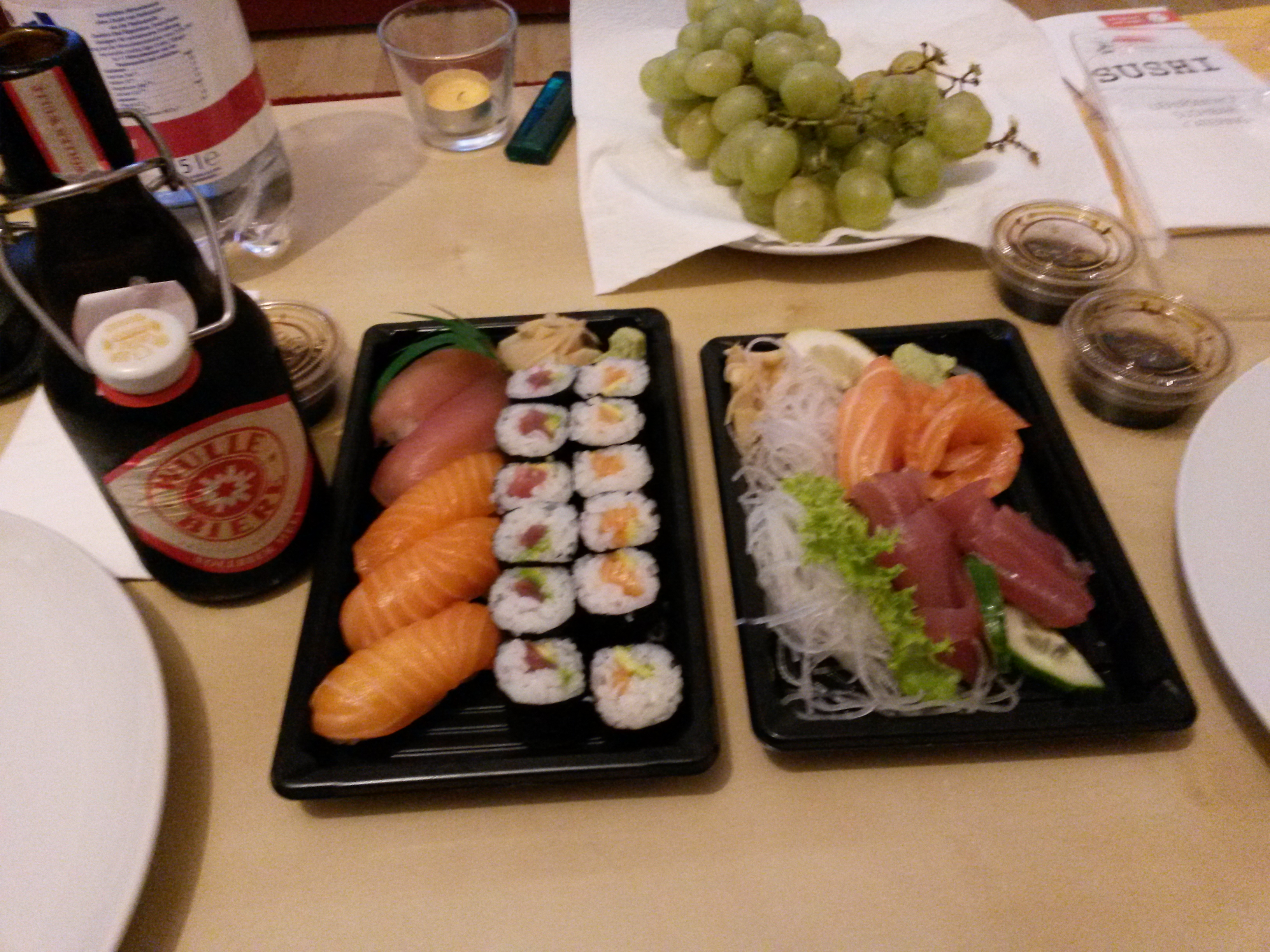
Madame waited so long for her next sushi shot;)
(9 months )
So, we watched this movie.
The first half of it is really awesome.
Finally a movie, where the future looks bright and shiny.
Utopian SciFi again!
Just to tumble into the darkness afterwards..to bad.
We need more positiv stories on cinema.
The firstpart, bulding up that story, is just an engineers dream, if we can fix it, we will fix it.
But somehow this did lead into a dystopia, reasons where not explained.
The hero tries to fix it, seems to be successfull, but the ending is, when you think about it, just plain horrible.
Brain Drain!
What they leave behind is an earth, populated just be the dumb, lawyers, capitalists and politicians.
Lucky me, I would not need to live there.
I don’t think this would play out well in a Tomorrowland 2…
Trying out new things:
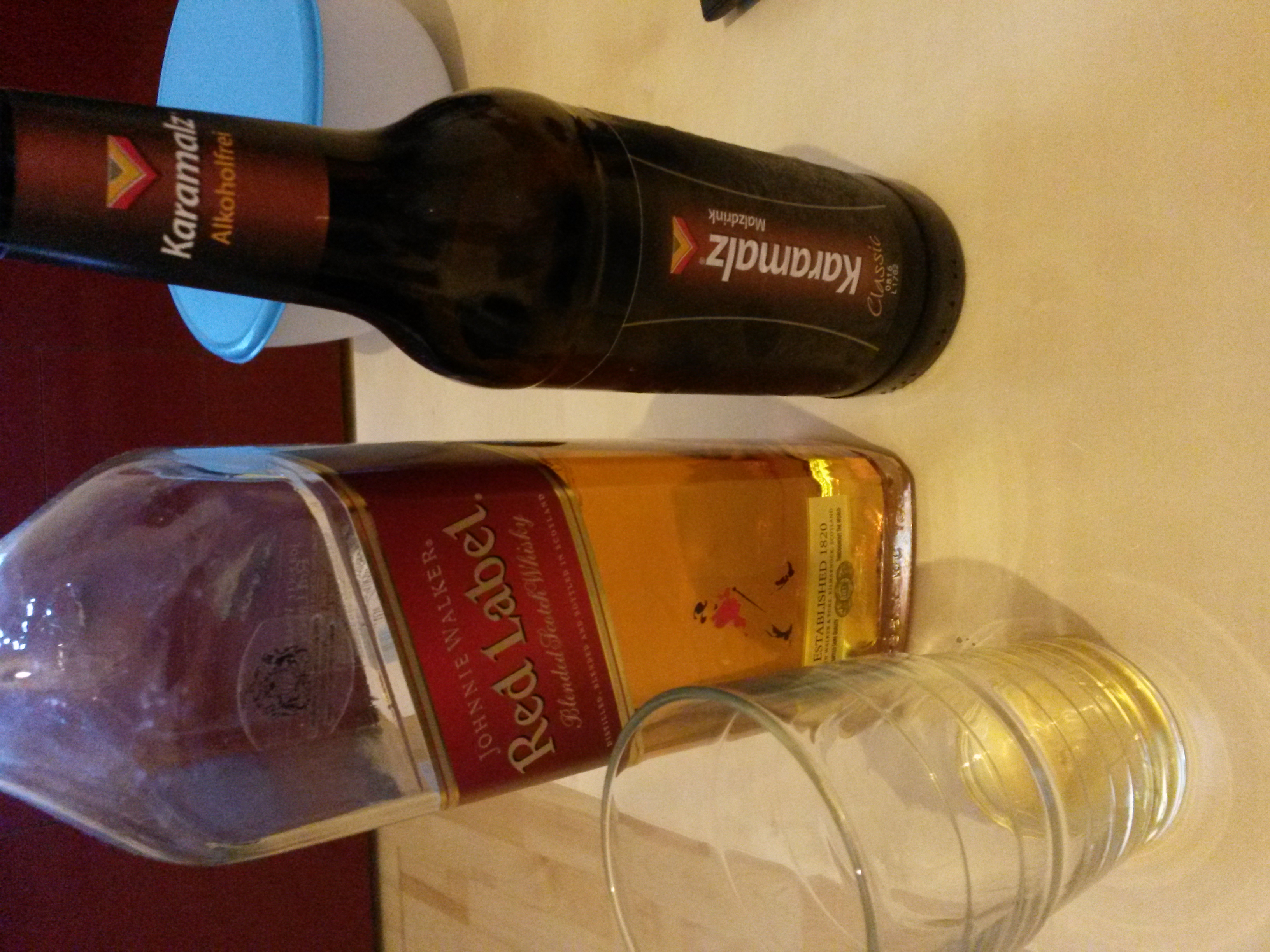
Whisky und combination with malt beer..
Or as it is called here:
Kinderbier
Weird taste..but funny.
All together I would call it Kinderwhisky.
🙂